ボーダービーム(ボーダーアニメーション)CSSジェネレーター
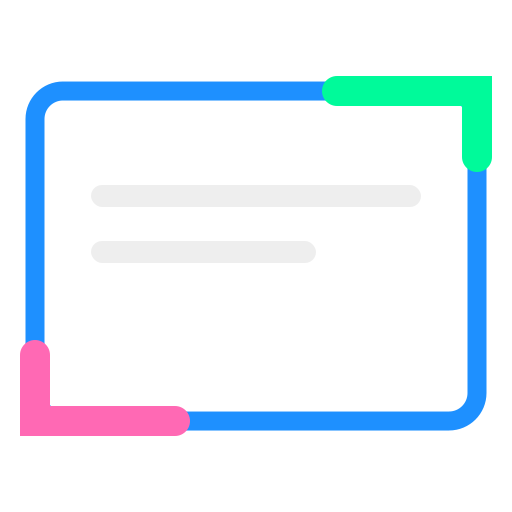
枠線に沿って光の筋が走り続ける、サイバーパンクやハイテク感のある演出を生成します。カードやボタンの注目度を高めるのに最適です。
プレビュー
<div class="border-beam-card">
	<div class="content">
		<p class="content-text">Border Beam</p>
	</div>
</div>.border-beam-card {
position: relative;
width: {{width}}px;
height: {{height}}px;
background: {{base_color}};
border-radius: {{radius}}px;
display: flex;
align-items: center;
justify-content: center;
overflow: hidden;
}
/* 回転するビーム */
.border-beam-card::before {
content: "";
position: absolute;
top: 50%;
left: 50%;
width: 250%;
aspect-ratio: 1 / 1;
transform: translate(-50%, -50%);
background: conic-gradient(
from 0deg,
transparent 0deg,
{{beam_color}} {{beam_size}}deg,
transparent {{beam_size}}deg 360deg
);
animation: anime-border-beam {{speed}}s linear infinite;
}
/* 内側のコンテンツエリア(これで枠線に見せる) */
.border-beam-card::after {
content: "";
position: absolute;
inset: {{border_width}}px;
background: {{bg_color}};
border-radius: calc({{radius}}px - {{border_width}}px);
z-index: 1;
}
.content {
position: relative;
z-index: 2;
}
.content-text {
display: block;
font-weight: bold;
color: #333;
}
@keyframes anime-border-beam {
from { transform: translate(-50%, -50%) rotate(0deg); }
to { transform: translate(-50%, -50%) rotate(360deg); }
}機能、使い方
- ハイテクな演出: 枠線に沿って光の筋が走り続ける、サイバーパンクやハイテク感のあるカードエフェクトを生成します。
- 自由な調整: ビームの色、長さ、回転速度を直感的に調整可能です。
- 透過対応: 疑似要素を重ねる手法のため、背景色を自由に変更してサイトのデザインに合わせることができます。
CSSプロパティの説明
conic-gradient
中心を軸とした扇状のグラデーションを作成します。一部の角度だけに色を付け、残りを透明にすることで「光の筋」を表現しています。
inset
::after疑似要素にinsetを指定し、親要素よりわずかに小さく配置して背景色を塗ることで、はみ出したconic-gradient
が「枠線」として見えるようにしています。
calc()とborder-radius
内側の角丸をcalc({{radius}}px - {{border_width}}px)で計算することで、外側の枠線と並行な綺麗なカーブを維持しています。